Updated November 2026 for the High School Basketball Season
Basketball season is right around the corner, and your pre-season checklist is already miles long—tryouts, practice film, uniform inventory, and that one item you keep putting off: figuring out your film workflow.
Don't let that line sit until after your first loss. Here's how to get your basketball film and breakdown workflow set before the first tip-off, in five easy steps.
Step 1: Decide what you actually want to see
Before you pick a tool, pick your questions. Most basketball coaches are asking some version of these:
- Where do our shots come from, and which ones are working?
- How do we score off set plays, inbounds, and in transition?
- Who is using possessions well, and who is using them up?
MaxPreps Advantage Advanced Breakdowns are built around those questions for basketball:
- Shot charts show where each attempt came from, by play type, with zone efficiency.
- Possession types split your offense into set plays, baseline and sideline inbounds, transition, and second chances, with points per possession for each.
- Advanced athlete metrics include Offensive Rating, usage rate (USG%), true shooting percentage (TS%), and plus-minus. In plain terms: how efficiently a player scores, how much of the offense runs through them, and how well they shoot once threes and free throws are counted.
Basketball is one of the most comprehensive breakdowns in MaxPreps Advantage. It's a good place to start your film workflow this winter.
Step 2: Make sure your games get filmed
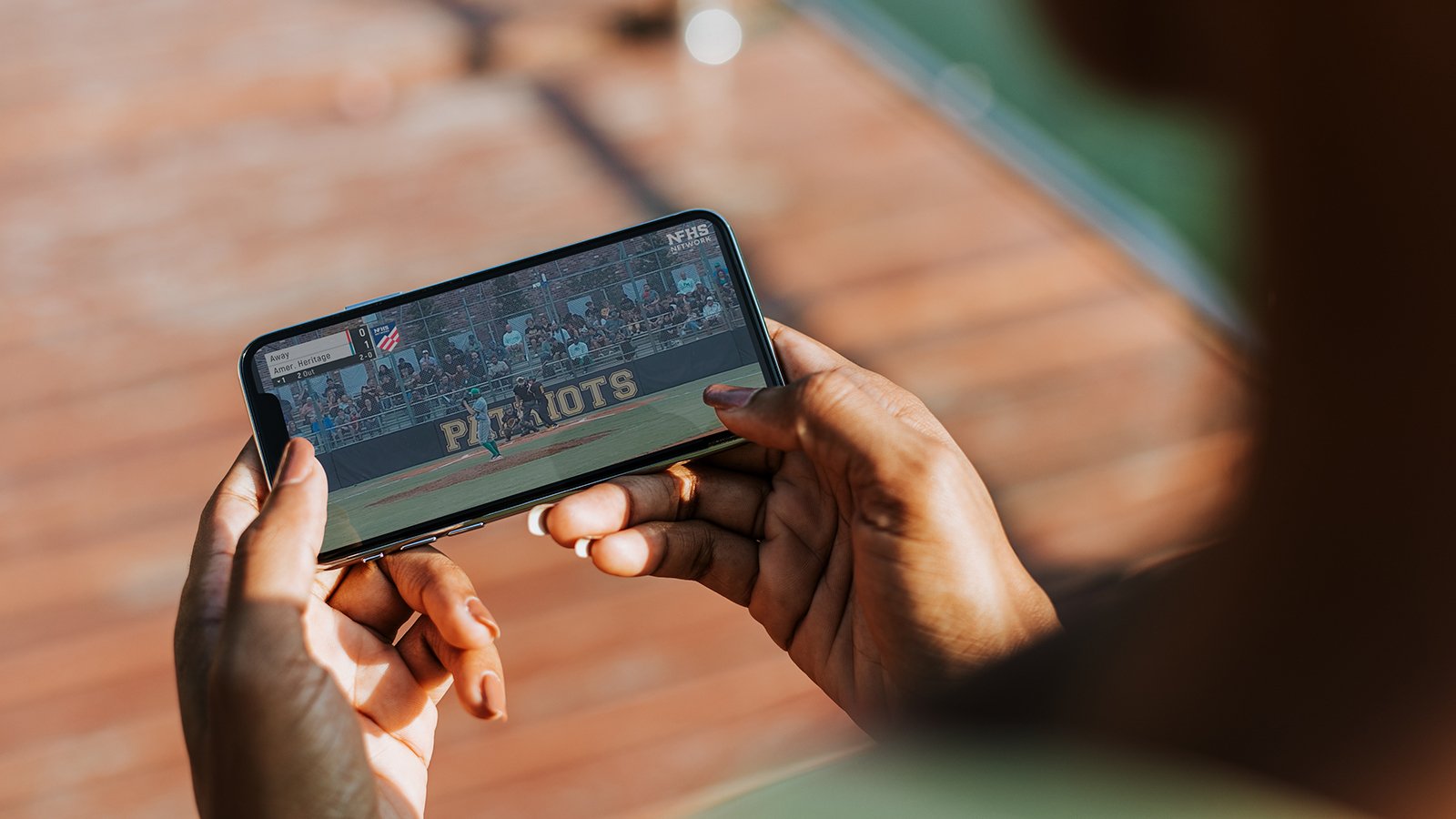
MaxPreps Advantage works from game film. If your school streams on the NFHS Network, your film imports automatically after the game. There's nothing to upload and no one to chase for a file.
Tip: Talk to your AD this month about which gyms and which games will be streamed. It's much easier to settle before the schedule starts than the week of your opener. Games filmed another way can be uploaded manually.
Step 3: Know what the morning after looks like
Here's the workflow once the game ends:
- Film auto-imports from the NFHS Network stream.
- Stats and breakdowns are typically ready within 8 to 12 hours of game completion.
- Every stat links back to the clip it came from, so you can go from a number on the page to the possessions behind it in one click.
The stats are logged by human operators, against a 95%+ accuracy target. If something looks off, you can request a correction any time. MaxPreps Advantage delivered 30,000+ game breakdowns last year.
The time savings are real. Triangle Math & Science Academy reports at least 2 hours saved per game for coaches using MaxPreps Advantage.
Step 4: Put film in your players' hands
Film only helps if players watch it. In MaxPreps Advantage you can assign film to specific athletes and track whether they reviewed it. Players get their own logins with their stats and clips.
Set the expectation in preseason, before habits form:
- Assign each player a few clips after every game, tied to their role.
- Use the shot charts in your first film session so players see their own tendencies, not just yours.
- Use the auto-generated stat playlists to find the possessions worth teaching from.
This is where film turns into player development. You aren't just cutting clips. You're giving each player something specific to work on.
Step 5: Cover the whole program, not just varsity
Your JV and freshman coaches need film too. Free All-Access is available to any NFHS Network school. It gives you raw game film, clip trimming, playlists, telestration, and manual stat entry for your program, with free basic editing tools for JV teams. Practice film is stored there too, with unlimited storage, so you can film everything and delete nothing. Practice film doesn't get stat breakdowns.
Advanced Breakdowns add the automatic stats, stat-linked clips, shot charts, possession types, and advanced athlete metrics from Step 1. They're $600 per team, per season for basketball. Lower per-team cost makes organized film and breakdowns practical across more of your program.
Already have a film tool you like? You don't have to settle that on day one. All-Access costs nothing, so you can see how the film workflow fits your own games before you decide on Advanced Breakdowns.
Your pre-tip-off checklist
- Confirm with your AD which home games will be streamed on the NFHS Network
- Pick your three or four key questions for the season
- Set up All-Access for varsity and JV coaches
- Decide whether Advanced Breakdowns fit your varsity team this year
- Plan your first player film assignment for the week after game one
Tip-off is weeks away. Your film workflow shouldn't wait until game one to get figured out.
Ready to get set up? Talk to your athletic director about NFHS Network streaming and MaxPreps Advantage for your program.


 PlayOn
 PlayOn: Nov 3, 2026, 1:14:23 PM